AN eTMF CONNECT ADD-ON
File with confidence using expert-tested AI-Assisted Indexing
Spend less time on data entry and more time on TMF quality. AI-Assisted Indexing handles the first pass on every document, and you make the final call. Your TMF stays complete, consistent, and fully in your control. Available as an add-on to eTMF Connect.

FDA 21 CFR Part 11
EudraLex Volume 4 Annex 11
SOC 2® Type I
Audit support
ISO 9001:2015 QMS Alignment
GDPR


The right artifact, the right fields, your final call
AI-Assisted Indexing classifies each document and fills in the metadata. You review and confirm before anything saves.
DOCUMENT CLASSIFICATION
File to the right artifact on the first pass
AI-Assisted Indexing reads each document and ranks the 3 closest artifact types from the TMF Reference Model, so your CTAs start from a short list instead of the full pick list.


METADATA EXTRACTION
Open every document with the fields already filled
AI-Assisted Indexing pulls the expiry date, country, site, and other metadata from the document text, so your CTAs confirm instead of typing.

HUMAN IN THE LOOP
AI suggests. You decide.
Nothing applies to a document until you confirm, and no confidence threshold files documents for you.

DOCUMENT CLASSIFICATION
File to the right artifact on the first pass
AI-Assisted Indexing reads each document and ranks the 3 closest artifact types from the TMF Reference Model, so your CTAs start from a short list instead of the full pick list.
METADATA EXTRACTION
Open every document with the fields already filled
AI-Assisted Indexing pulls the expiry date, country, site, and other metadata from the document text, so your CTAs confirm instead of typing.
HUMAN IN THE LOOP
AI suggests. You decide.
Nothing applies to a document until you confirm, and no confidence threshold files documents for you.
Watch a batch go from upload to filed
Indexing is where your team loses the most time. Every document needs to be read, classified, and tagged by hand, and similar artifact types make the call harder. AI-Assisted Indexing takes on the first pass for you. Upload a single file or a mixed batch from a site, and each document arrives with its top 3 artifact type suggestions and pre-filled metadata. Expiry dates, countries, and sites are already in place, so your team confirms values instead of typing them.
The result is fewer misfiled documents at first pass, less rework during QC, and more complete records in your TMF. Less experienced indexers file with more confidence, and backlogs before closeout or inspection stop piling up. In batch indexing, you open each AI-processed document at least once before saving. Your team stays in control of every filing decision, and no AI value reaches your TMF unreviewed.
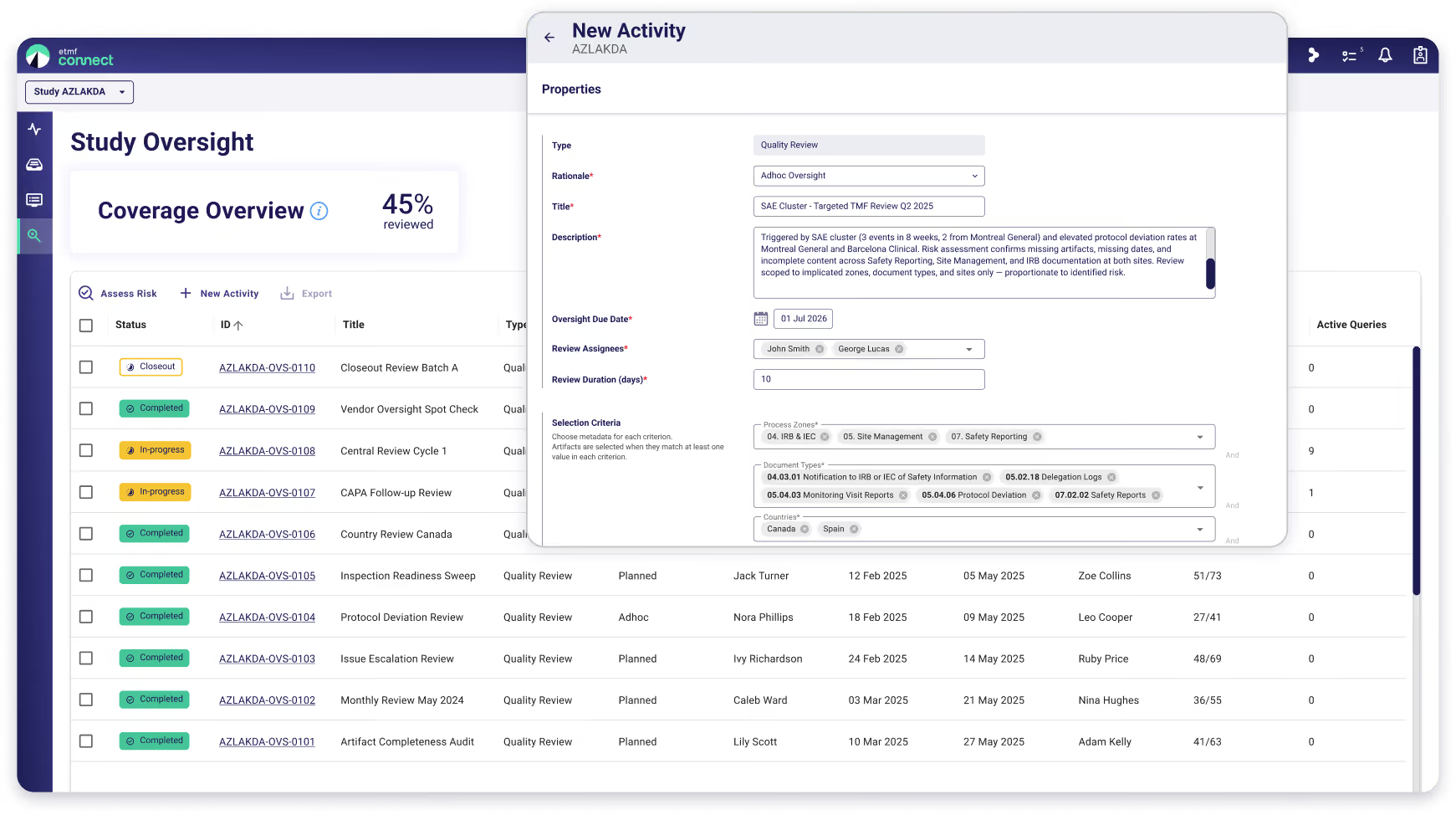
Your minutes, your hours, your budget back
Use cases for every way documents reach your TMF
From a single set of meeting minutes to a closeout backlog. Same upload, same staging area, less manual entry.
TMF specialists, CTAs and CRAs
Clinical operations and QA
Four steps from upload to filed
Drag and drop documents into eTMF Connect, or let sites email them to your study address. AI starts working as soon as documents land in staging. No extra tool, no separate login, just add AI-Assisted Indexing to your existing eTMF Connect plan.
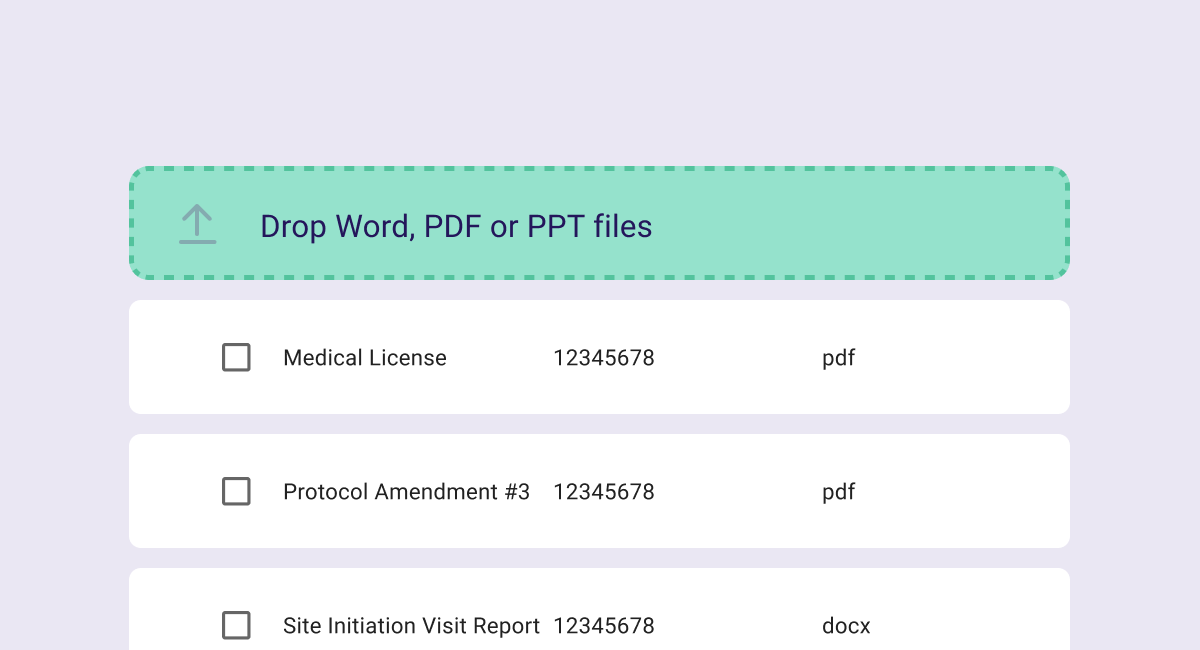
Upload
Add Word, PDF or PPT documents to the staging area.
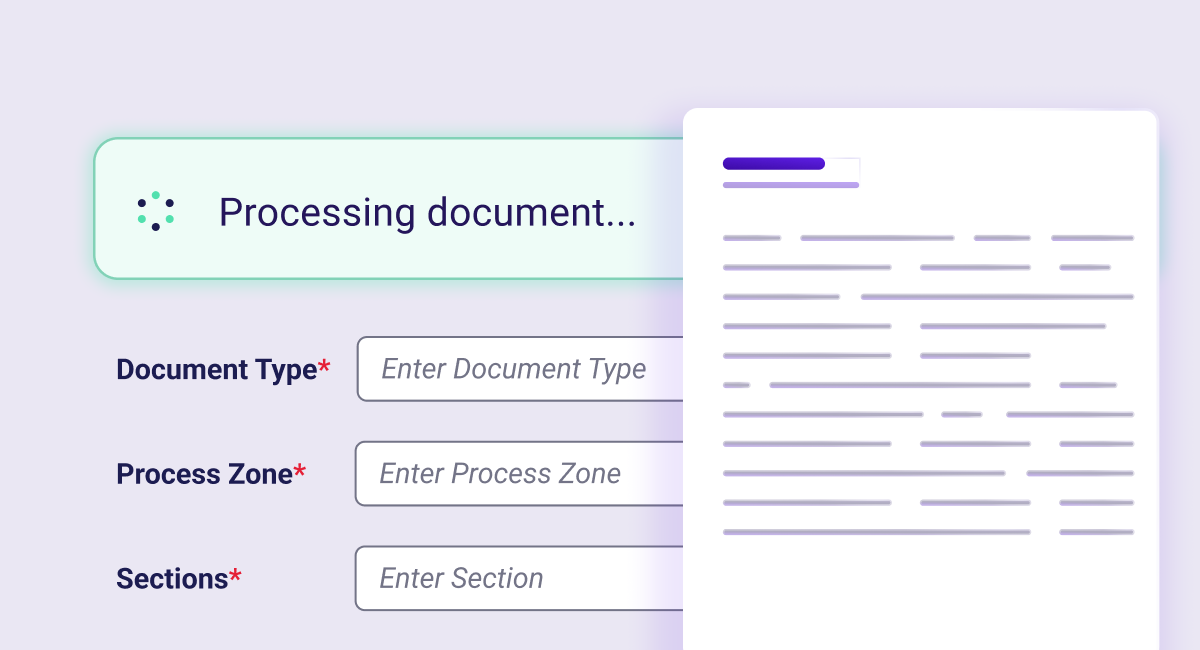
AI processes
Each document takes a few seconds. A status column shows progress, so you start reviewing finished documents while the rest of the batch completes.
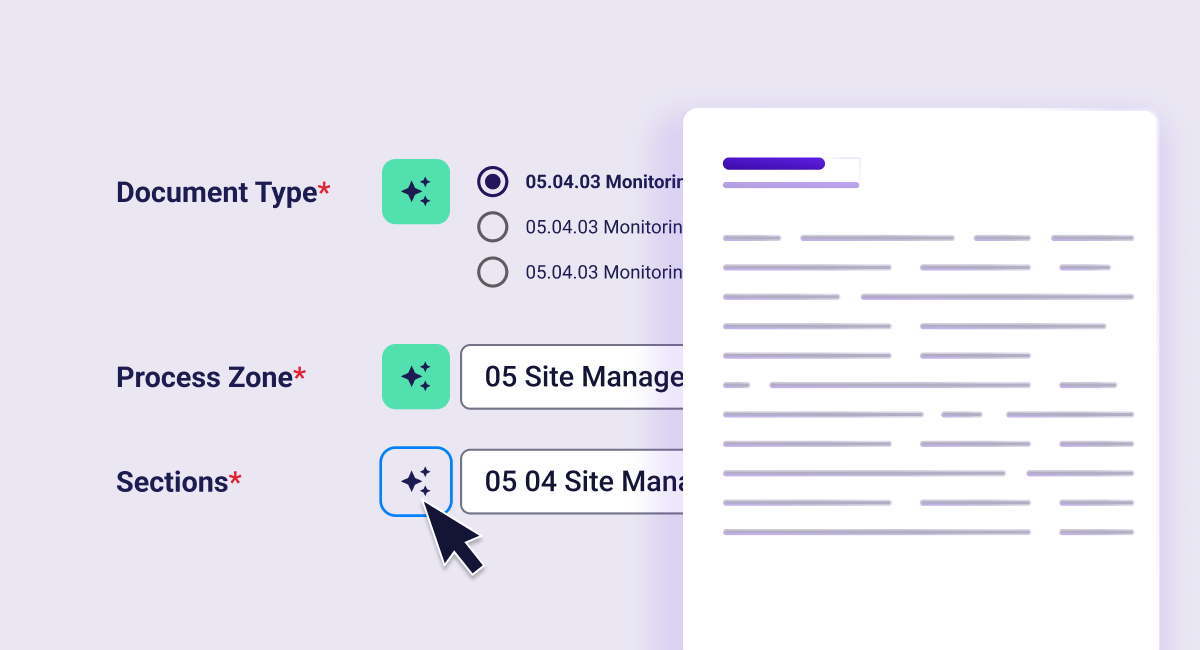
Review
Check the suggested artifact type and every green-tagged field. Change anything you disagree with.
File
Save the document. The suggestions become metadata only after your confirmation.
Reviewed by our TMF experts
Spend your hours on oversight, not data entry
See AI-Assisted Indexing with the document types your team files every week, and get a plan sized to your volume.

Resources for your TMF team

R3 compliance, built-in: Risk-based oversight with eTMF Connect
Discover how eTMF Connect helps teams turn risk signals into documented, inspection-ready oversight workflows aligned with ICH E6(R3).
Building a Risk-based TMF Management Framework
In this first-of-its-kind white paper, Montrium's experts detail their new methodology for risk-based TMF management.
Frequently asked questions
Find answers about Montrium product and services, implementation, and how it works for your organization.


